Is Public Wi-Fi Safe? (2026 Guide)
Learn the risks of public Wi-Fi and how to protect your data.
Key Insight
Learn the risks of public Wi-Fi and how to protect your data.
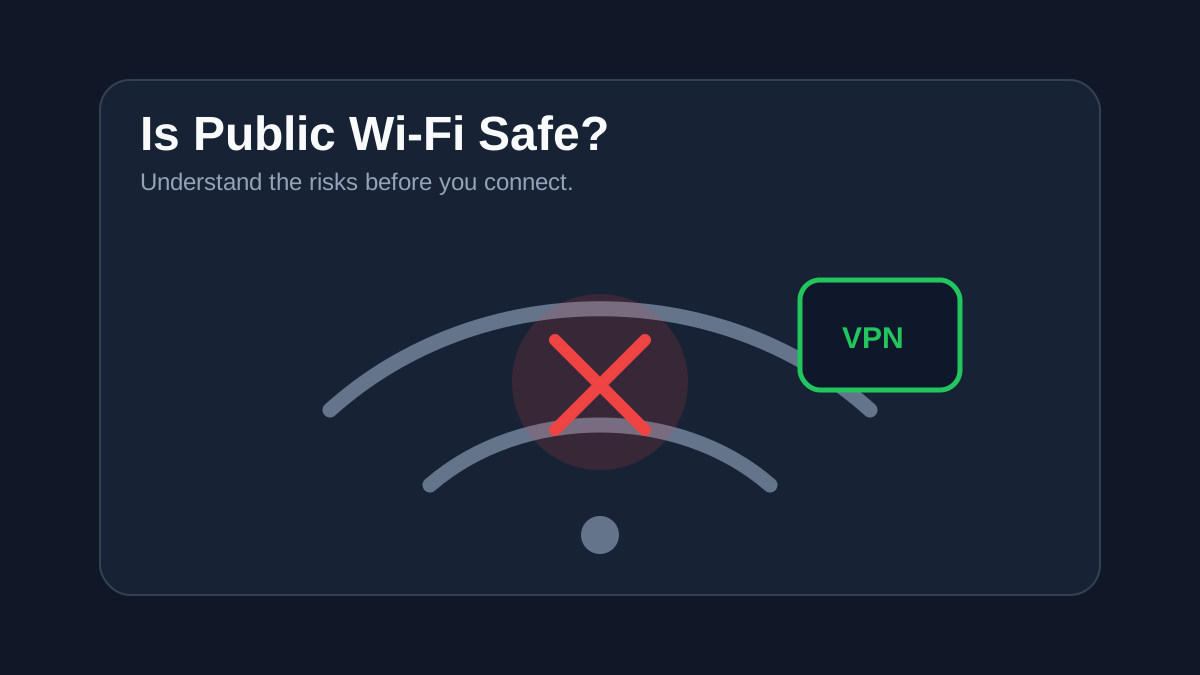
Public Wi-Fi is convenient — but it is also one of the easiest ways for attackers to access your data.
Most public networks (cafes, airports, hotels) are not properly secured, making it easier to intercept your traffic.
What Can Happen on Public Wi-Fi?
- Passwords and login details can be intercepted
- Fake networks can trick you into connecting
- Attackers can monitor your activity
Common Risks
1. Man-in-the-Middle Attacks
Attackers position themselves between you and the network, capturing your data without you noticing.
2. Fake Wi-Fi Networks
Hackers create networks with names like “Free Airport Wi-Fi” to trick users.
3. Unencrypted Connections
If a website is not using HTTPS, your data can be easily exposed.
How to Stay Safe on Public Wi-Fi
- Avoid accessing banking or sensitive accounts
- Always check for HTTPS websites
- Disable auto-connect to networks
- Use two-factor authentication (2FA)
Best Protection: Use a VPN
A VPN encrypts your internet traffic, making it unreadable to anyone on the same network.
This is the most effective way to stay protected on public Wi-Fi.
Final Takeaway
Public Wi-Fi is not inherently safe — but with the right precautions, you can reduce the risk significantly.
If you use public networks often, a VPN is essential.
Want to learn more about Wifi?
Read our full review of the best products available.
See the best cybersecurity tools (tested)
Sandro C.
Verified ExpertFounder & Cybersecurity Researcher at StaySecureHub
At StaySecureHub, he tests and compares services based on security, performance, and transparency, helping users make informed decisions to protect their online lives.